





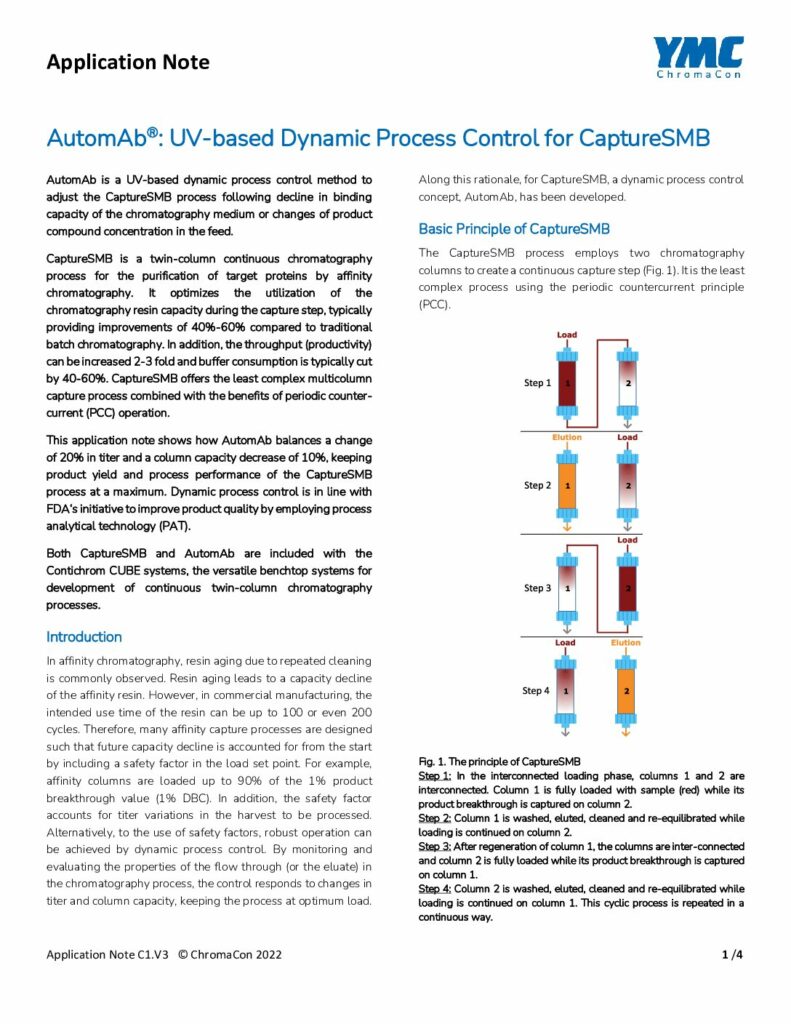
AutomAb® integrates the inter-column UV signal (minus the impurity baseline from the previous switch) over the interconnected loading phase, building a running preload area in mAU·min. When this integrated area reaches the target setpoint, loading stops. To derive the setpoint: run CaptureSMB® without AutomAb® active to steady state, open the run in the Evaluation Center, select the “Preload area” marker type, and read the values across the steady-state switches. The average of those values is your AutomAb® setpoint. Enter it in the Method Settings & Performance tab and activate AutomAb®. The derivation typically requires one steady-state CaptureSMB® reference run.